I’ve gathered the 5 must-know tips for Image SEO optimization, because even the savviest SEO experts can overlook a detail or two when it comes to those tricky visuals.
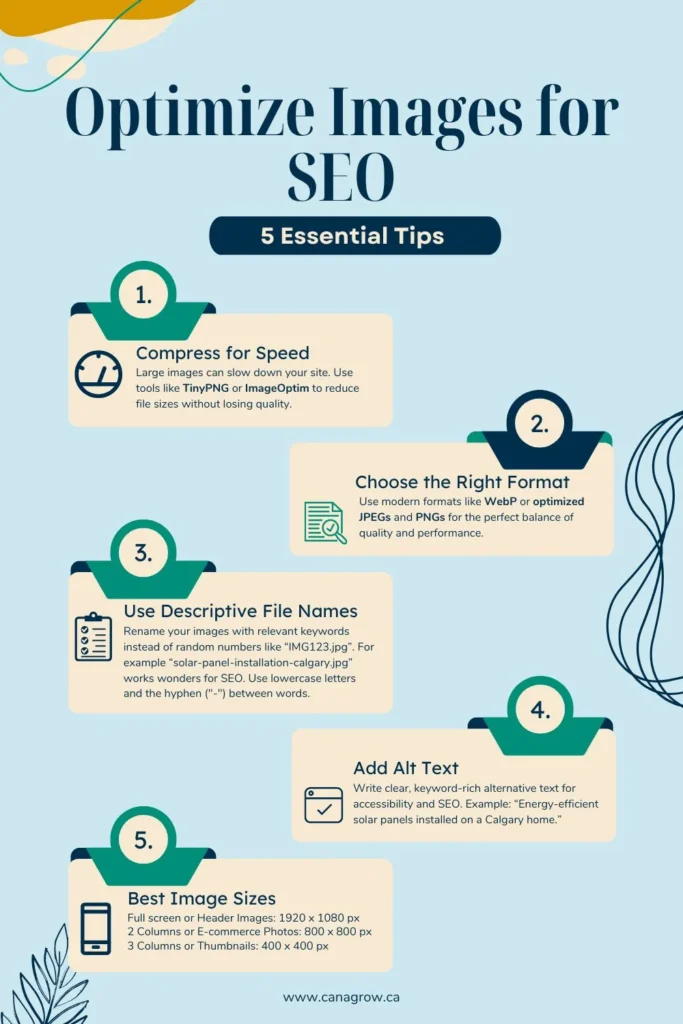
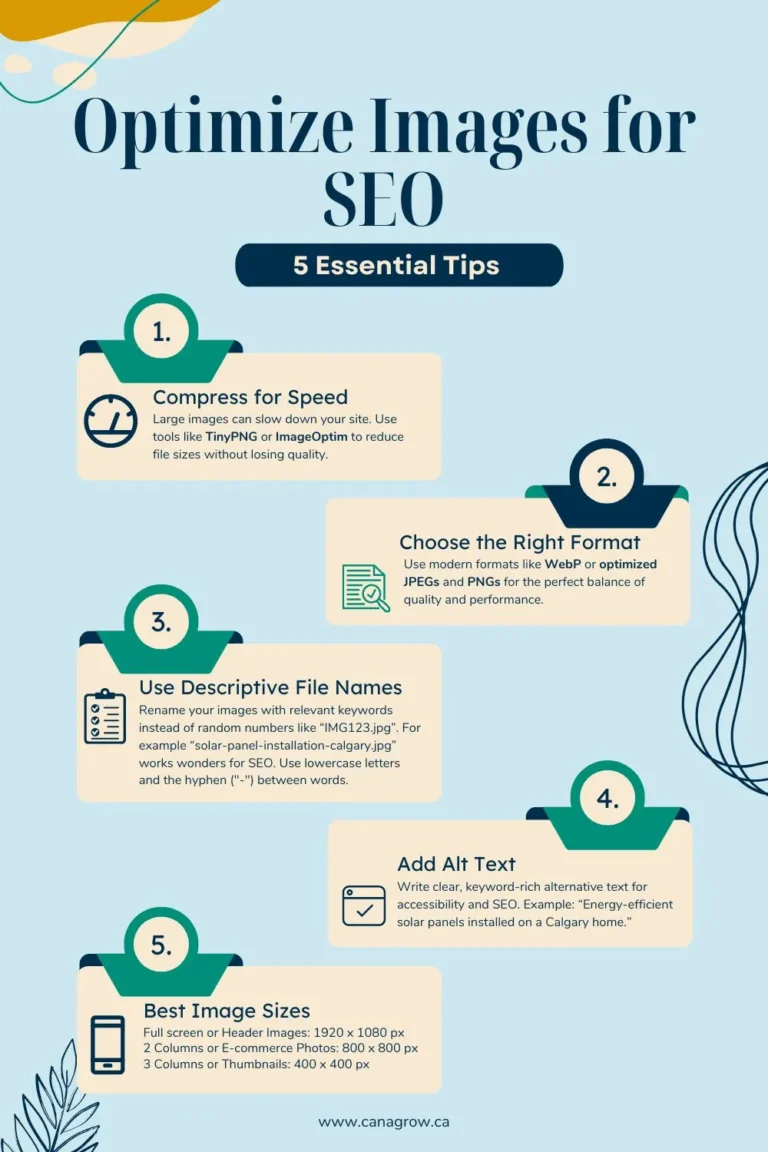
1. Compress for Speed (the most essential tip)
A slow site is a no-go. Use tools like TinyPNG or ImageOptim to shrink file sizes while keeping crisp quality.
2. Choose the Right Format
JPEG for photos, PNG for transparency, and WebP if you want the best of both worlds.
3. Use Descriptive File Names
Rename your images with relevant keywords instead of random numbers like “IMG1234.jpg.” For example, “solar-panel-installation-calgary.jpg” works wonders for SEO. Use lowercase letters and the hyphen (“-“) between words.
4. Add Alt Text to Make your Images SEO Powerhouses
Write clear, keyword-rich alternative text for accessibility and SEO. Example: “Energy-efficient solar panels installed on a Calgary home.”
5. Best Image Sizes
Here’s a quick cheat sheet to ensure your visuals are both stunning and optimized for SEO:
- Full screen or Header Images: 1920 x 1080 px
- 2 Columns or E-commerce Photos: 800 x 800 px
- 3 Columns or Thumbnails: 400 x 400 px